
Tips for Organizing a Clutter-Free Workspace to Boost Productivity
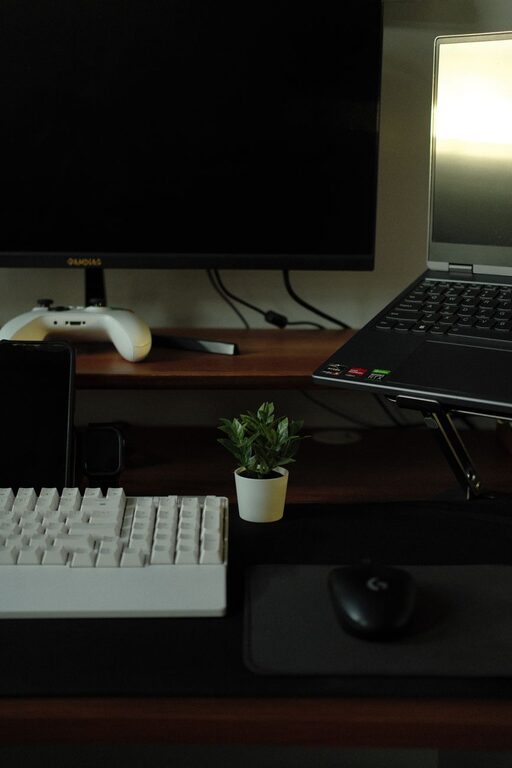
Having a tidy and well-organized workspace can make a significant difference in productivity and overall work satisfaction. A cluttered desk or digital space often leads to distractions and stress, while a neat environment fosters focus and efficiency. Whether you work from home or in an office, these practical tips can help you organize a clutter-free workspace that supports your best work.
Why Organizing Your Workspace Matters
A clean and organized workspace is more than just pleasing to the eye. Here are key benefits:
– Improves concentration: Less clutter means fewer distractions, helping you focus better on tasks.
– Saves time: Finding what you need quickly means less wasted time searching through piles.
– Reduces stress: A tidy environment promotes calmness and reduces anxiety.
– Boosts efficiency: An organized setup makes it easier to work smoothly and avoid repetitive tasks.
– Enhances creativity: Clear spaces can inspire fresh ideas and problem-solving.
How to Start Organizing Your Workspace
1. Clear Everything Off Your Desk
Start by removing all items from your desk. This gives you a clean slate and helps you sort through what you actually use. Wipe down surfaces to keep the area fresh.
2. Sort and Categorize
Divide items into categories, such as:
– Office supplies (pens, paper, stapler)
– Electronics (chargers, headphones)
– Personal items (photos, plants)
– Paperwork (bills, letters, files)
Decide what to keep, store elsewhere, or discard.
3. Use Storage Solutions
Invest in storage options that suit your needs and space:
– Desk organizers with compartments for small items
– Filing trays or boxes for documents
– Drawer dividers to keep items separated
– Shelves or wall-mounted organizers for extra storage
Choose containers that fit your style and keep things visible but tidy.
Daily Habits for Maintaining a Clutter-Free Space
1. End Your Day with a Quick Tidy
Spend 5–10 minutes before finishing work to put items back in place and clear your desk. This sets you up for a fresh start the next day.
2. Limit Personal Items
Keep personal decorations minimal to avoid overcrowding, but don’t be afraid to add pieces that motivate or relax you, like a plant or family photo.
3. Manage Cables Effectively
Use cable ties, clips, or sleeves to keep cords untangled and out of your way.
4. Digitize Paperwork
Scan important papers and store them electronically to reduce physical clutter. Use cloud storage for easy access and backup.
Organizing Digital Workspace
Your computer desktop and files are part of your workspace too. To keep this clutter-free:
– Create folders for different projects or categories.
– Delete files you no longer need regularly.
– Use a consistent naming system for easy searching.
– Close unused tabs and applications to reduce visual distractions.
Personalizing Without Adding Clutter
A workspace should feel comfortable. Here’s how to personalize it wisely:
– Choose a few meaningful items like a photo, small art piece, or a plant.
– Use functional decor, such as a stylish pen holder or a calendar.
– Keep personal items to a minimum to maintain focus.
Additional Tips for Staying Organized
– Set time weekly for a deeper clean or organization session.
– Label storage containers to easily identify contents.
– Keep frequently used items within reach and store less-used items away.
– Be mindful of what you bring to your workspace to prevent unnecessary buildup.
– Establish routines that support tidy habits.
Conclusion
Organizing a clutter-free workspace is a simple yet powerful way to improve your productivity and well-being. By decluttering, creating smart storage solutions, and adopting helpful habits, you can enjoy a workspace that inspires focus and creativity every day. Start small, be consistent, and watch your productivity soar!